Connect once, work in the same file at every insurer
The agents do the paperwork. The people do the contact.
Working on a personal injury claim yourself? To Personal injury

Choose your role
Three kinds of party, three pages. The hub and the three ways to connect are below and apply to everyone.
-
Your client gets access to their file. You work in that same file from day one, in the portal or from your own case management system.
- Status, schedule of loss and payments of your client in view
- One connection for every insurer on Claim360
- Live in days, or integrated in six to eight weeks
-
You handle claims on behalf of an insurer. On Claim360 you do that in the same file as that insurer, with a complete work and management environment.
- Handover without retyping, deadlines keep running
- The insurer watches live, without reporting emails
- Payments and reserves back to the core system
-
Your platform closes the vehicle or policy side. Claim360 is the personal injury side next to it: the injury file hangs on your claim, your system stays.
- A handover in four events
- Status and costs back to your platform
- This is how we work with Keylane on Axon


From sixty-six lines to one hub
Twelve parties in a heavy personal injury file, and every party can talk to every other: 66 lines. In income protection it is six parties and 15 lines. Today that traffic runs by email, with medical reports as attachments. Claim360 replaces the lines, not the parties.
Claimant · solicitor · handler · legal expenses insurer · medical experts · rehabilitation · loss adjuster · outsourcing partner · engineer · recovery parties
A party with files at three insurers does not log in three times. The claimant and the handler work in the insurer’s portal. Every other party connects once to Claim360 on behalf of the insurer and from that moment is connected with every other connected party, at every insurer that runs Claim360. Whoever connects now is ready for the next insurer.
You choose how you connect
All three use the same authorisation from the client, the same permissions per role and the same audit trail. You can switch at any time.
-
Log in to the portal
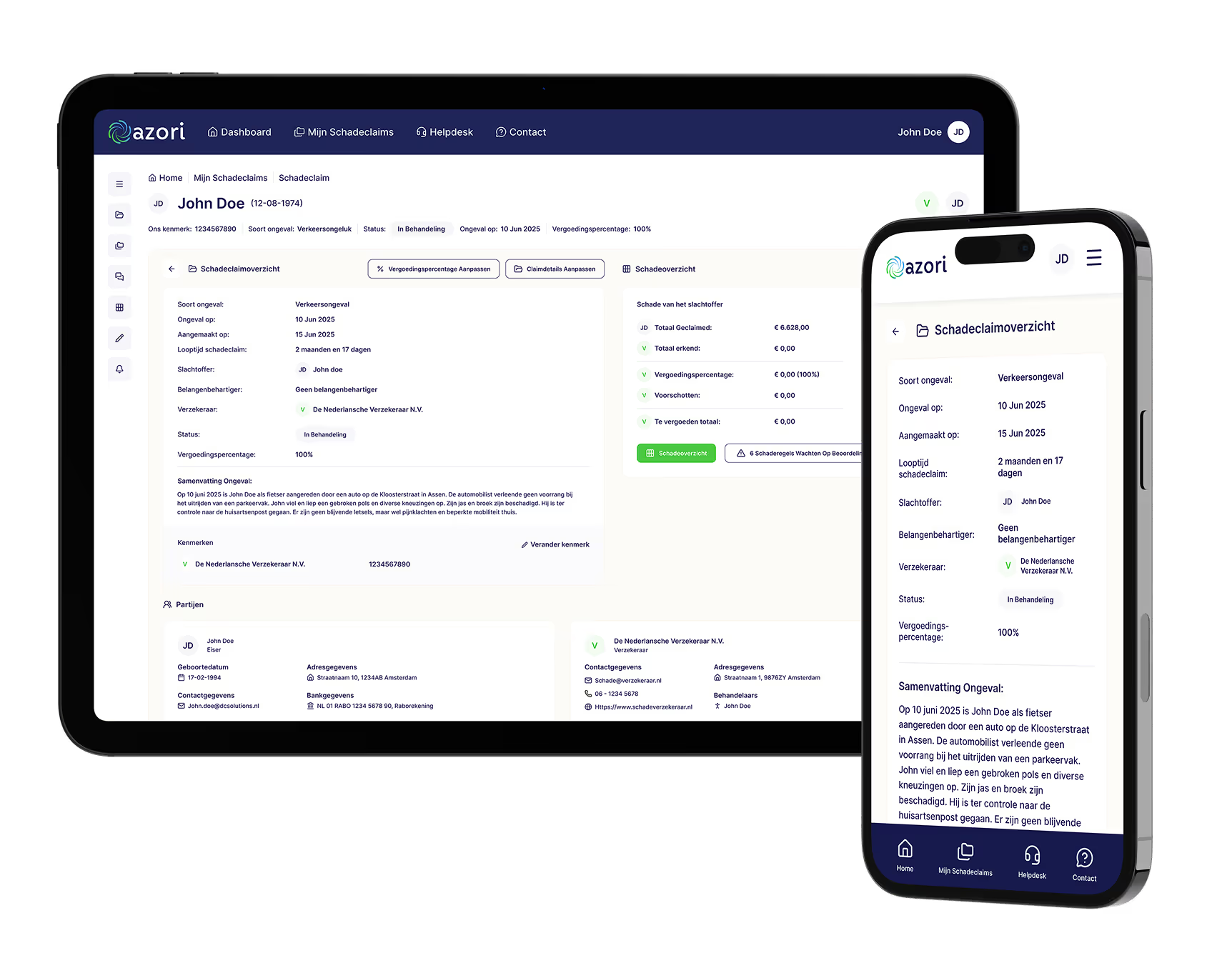
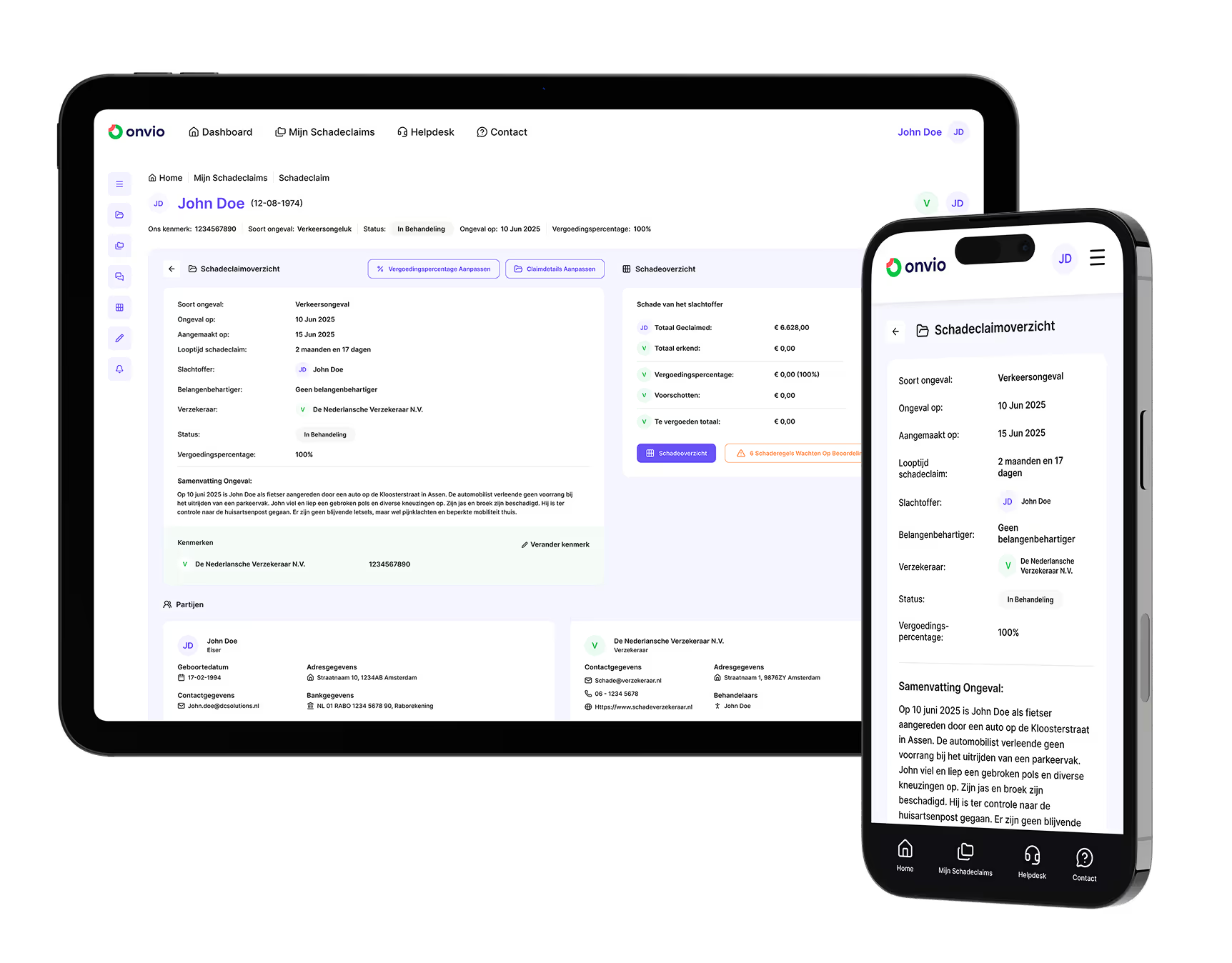
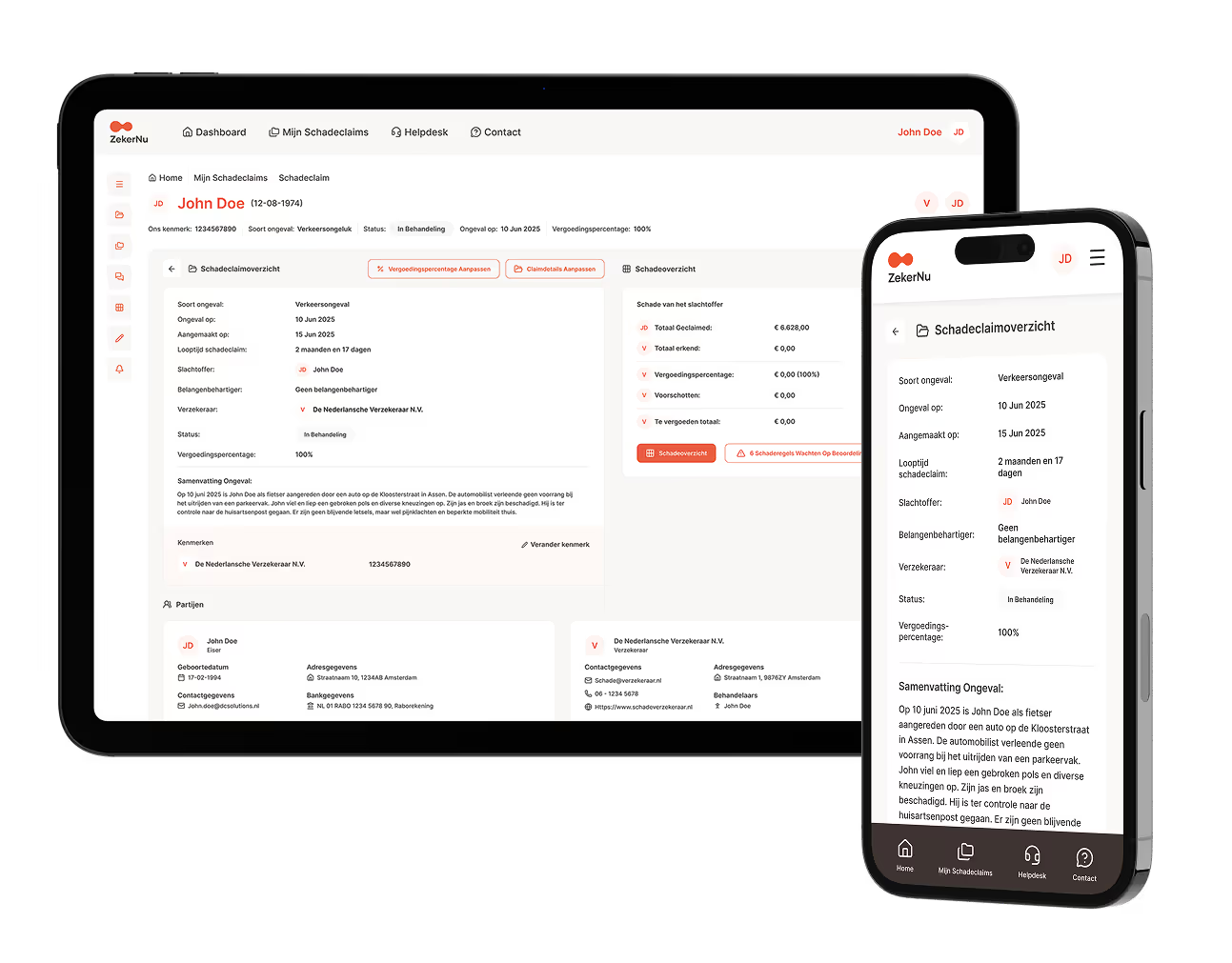
No IT needed, live in days. An account with its own role and permissions and a complete work and management environment: files, schedule of loss, documents, messages, tasks, deadlines and a portfolio across all your files. Everything except billing and time recording.
-
API on your own system
Your case management or core system connects to Claim360 and stays the screen you work in. Documents and messages both ways, tasks via webhooks. OAuth2, encrypted, logged, with a sandbox and documentation. Usually six to eight weeks.
-
Claim360 components in your application
Your own application or portal, enriched at the front with parts of Claim360: the schedule of loss, the messages, the documents with version history. Your front end, the shared file underneath.
A complete work and management environment
Whoever logs in to the portal does not get a viewing window but a workplace. This is in it.
-
Files and schedule of loss
Every file you are authorised for, with claimed, agreed and paid per head of damage. With several files a portfolio across all files at that insurer.
-
Messages and documents
Messages per head of damage instead of loose email. Documents on the item they belong to, with version history. Your report lands straight in the right file.
-
Tasks and deadlines
Tasks with a date and an owner, the protocol deadlines as a counter. Whatever is about to expire sits at the top.
-
Workload and management information
Per handler and per team: what first, what waits, what escalates. Cycle time, chasers and complaints measurable per file.
What it means for you
-
Claimant solicitor (injury)
Status, heads of damage and payments of your client in view. A question or a document goes into the file, not by email.
-
Medical expert (injury and income)
Instructions in one place, with only the medical documents you have the rights to. The report lands straight in the file.
-
Loss adjuster and outsourcing partner (injury)
Handling on behalf of the insurer in the same file, with the workload and the deadlines included. The insurer watches without asking.
-
Rehabilitation and occupational health (injury and income)
Tasks and deadlines per file, the report on the right item.
Frequently asked questions from chain partners
Is your question not here?
Do we have to work in the insurer's system?
No. You work in the portal, or you connect your own system to Claim360 through an API. You do not touch the insurer's core system.
What do we see of a file?
That is determined by the permissions per role and the client's authorisation. Every party sees only what its role needs, nothing more. Access is logged and revocable at once.
At which insurers can we work this way?
At every insurer that runs Claim360. One connection applies to all connected insurers; you do not have to connect again per insurer. We name the next insurers and dates as soon as they are live.
What does connecting ask of our IT?
In the portal nothing: an account and an hour of instruction for the team. Through the API your own system connects to Claim360 (OAuth2, encrypted, logged), with a sandbox and documentation. Intake, sandbox and acceptance are on us.
Connect to Claim360?
Tell us who you are and which insurers you work with. We usually respond within one working day.