In the same file as your client
The agents do the paperwork. The people do the contact.
How the hub works, and the three ways to connect? To Chain partners
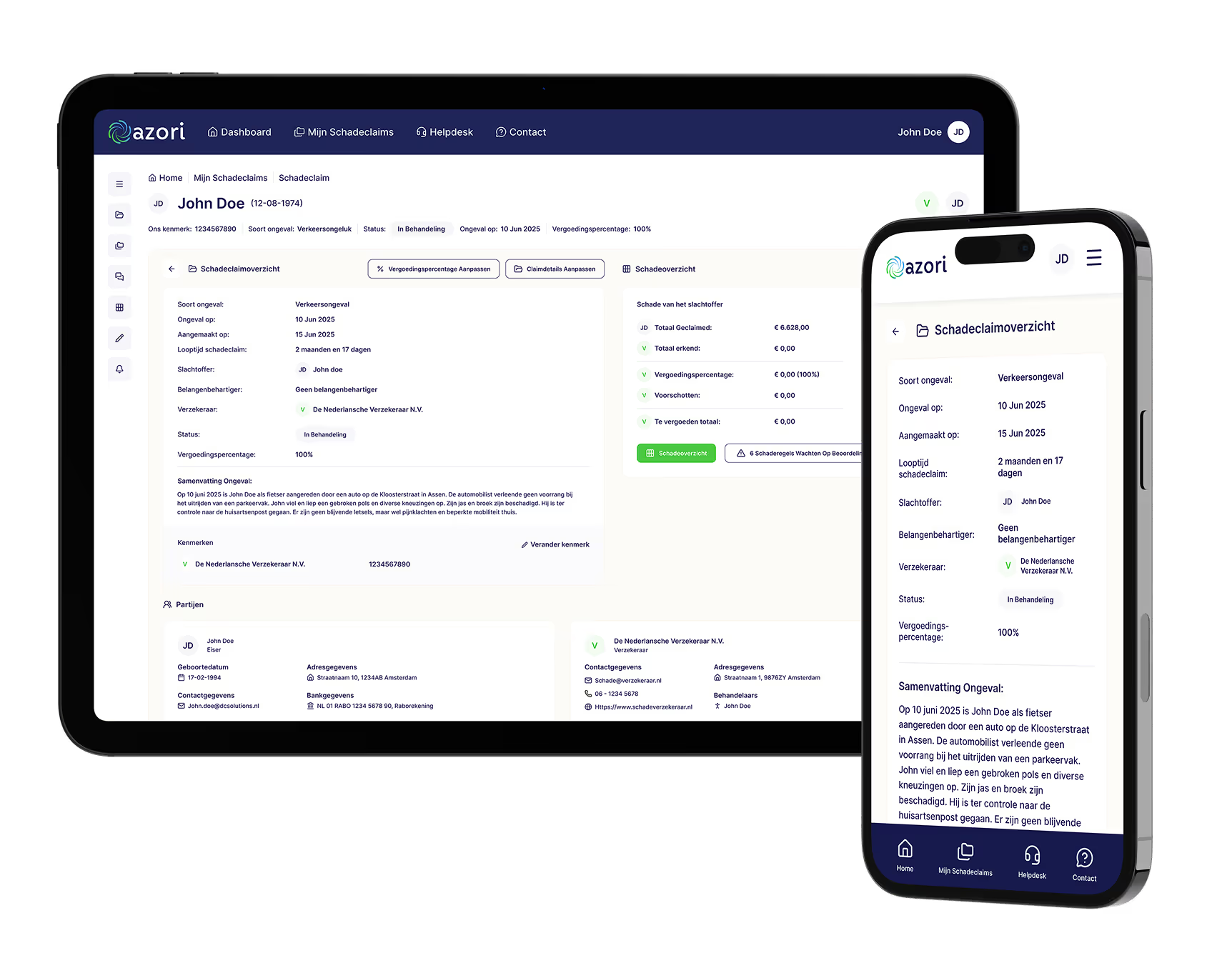
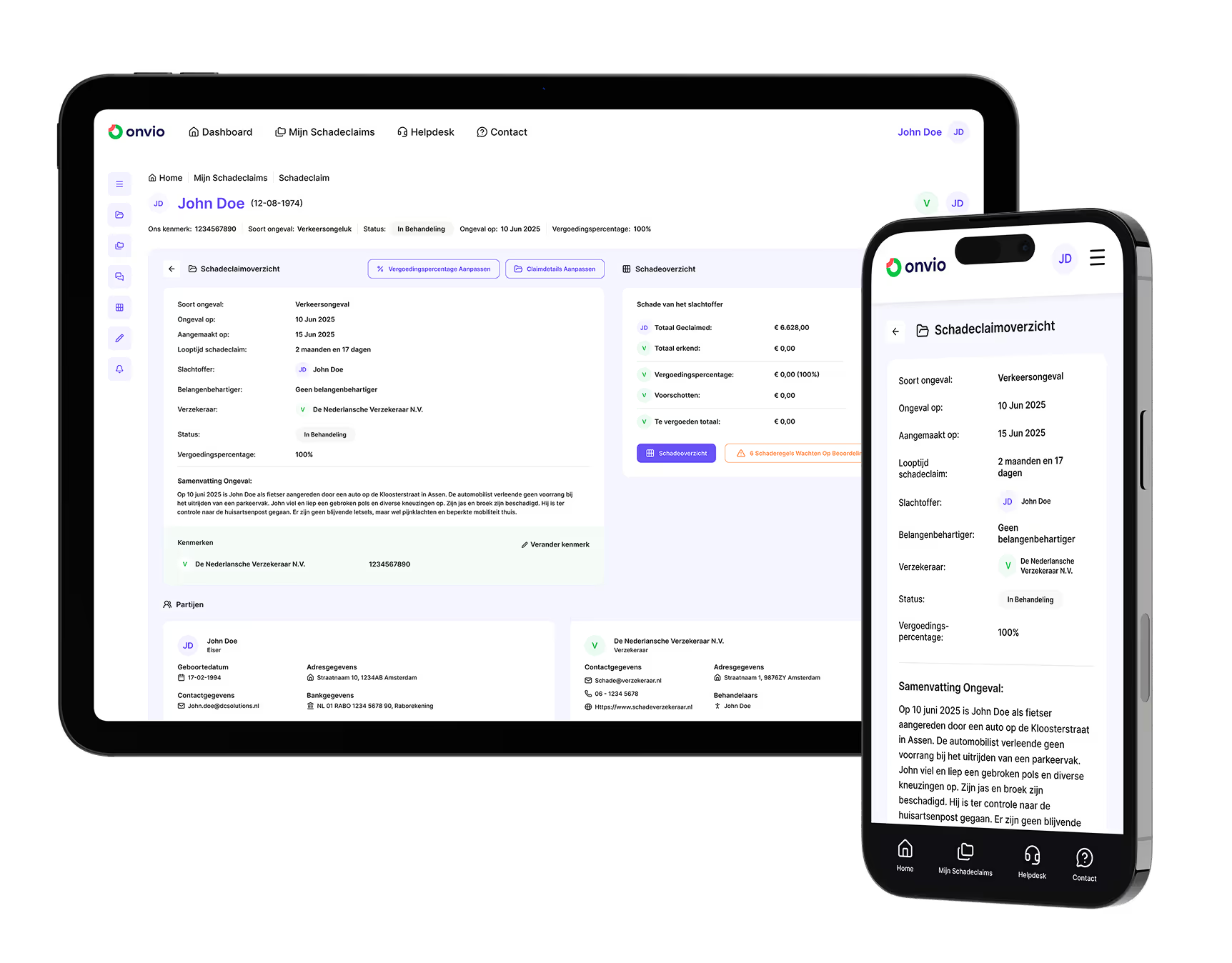
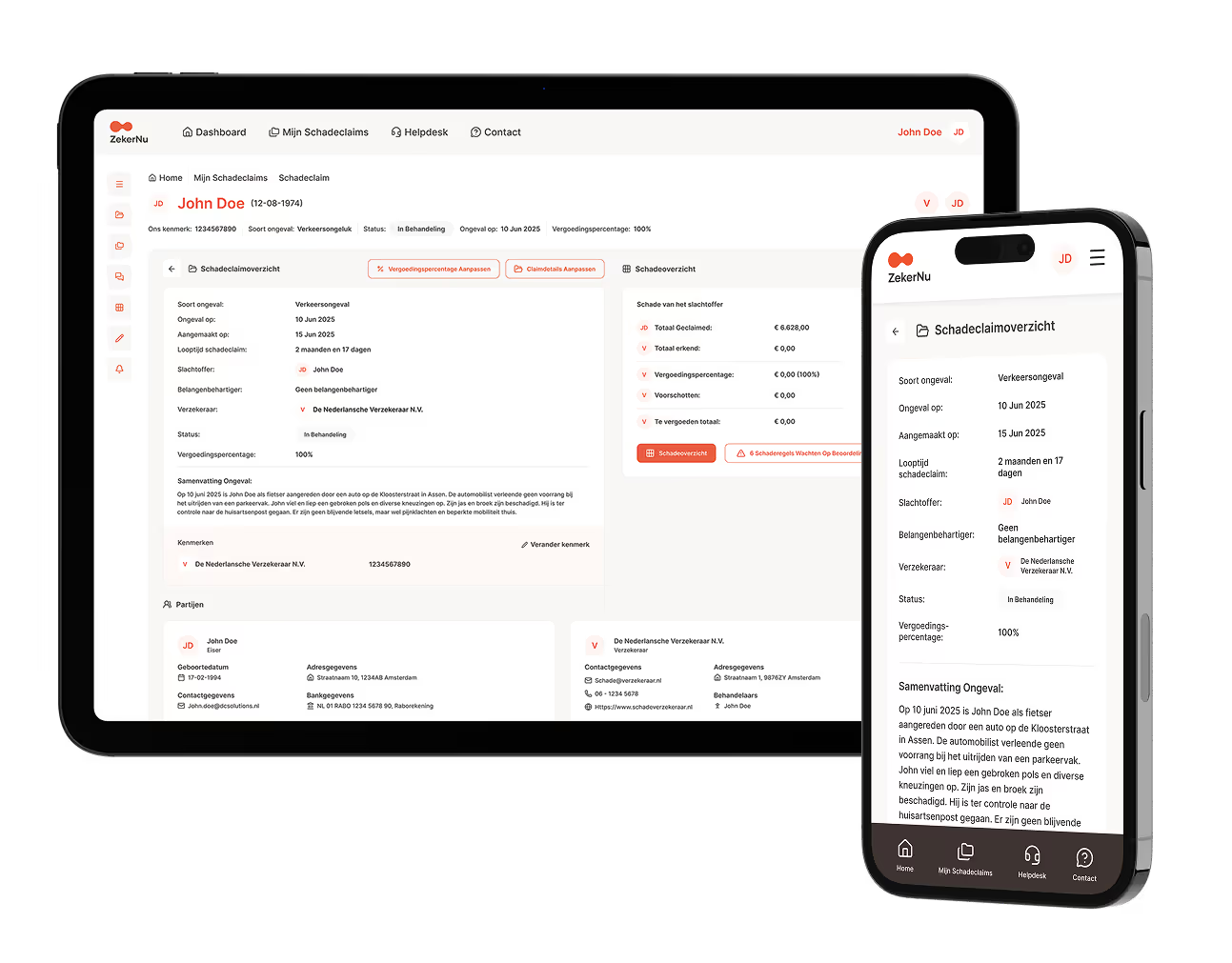

A portal per insurer
Transparency towards the claimant is becoming the norm. Insurers each build it for themselves, and the solicitor gets one more portal per insurer.
-
Transparency becomes the norm
Insurers give the claimant direct access to status and schedule of loss. Consumer Duty expects outcomes you can show; more insurers follow every year.
-
Everyone builds for themselves
Every portal is an extra login, an extra way of working and an extra place where documents have to be uploaded. Your client's file looks different at every insurer.
-
Every hour is cost
Under fixed recoverable costs the fee does not follow the hours. Every chaser, every status request and every retyped schedule of loss comes off the margin.
You choose
Both routes use the same authorisation from the client and the same rules. You can switch at any time.
- Route 1
no IT needed, live in days
In the portal
An account with its own role and permissions. File, schedule of loss, documents, messages and deadlines of your client, and a portfolio across all your files at that insurer. An hour of instruction for the team. For firms without their own IT, and for everyone who wants to start quickly.
- Route 2
six to eight weeks to live
Integrated through the API
Your case management or core system connects to Claim360. Fee earners work in their own screen, the file stays in sync. Documents and messages both ways, tasks via webhooks. OAuth2, encrypted, logged, with a sandbox and documentation. Intake, sandbox and acceptance are on us. For legal expenses insurers and firms with volume.
What you see, and what not
-
What the client sees
You see what your client sees, based on their authorisation: status, the schedule of loss per item, payments and documents.
-
Down to head-of-damage level
Roles and permissions go down to the head of damage. Medical documents only for those with the rights.
-
Who looks in
The client sees who looks in their file. Access is logged, traceable and revocable at once.
-
Terms of connection
Three pages: the legal basis, the permissions and the rules. No surprises afterwards.
Frequently asked questions from legal representatives
Is your question not here?
Does the insurer use the portal to talk around us?
No. Your client logs in and sees you in their file. An insurer on Claim360 invites you to work in the same file, in the portal or integrated. You decide how and when.
What if we do not take part?
Then nothing changes for you. Email and post keep working. The portal is an offer, and your client keeps their own access.
Will we see too much or too little?
You see what your client sees, based on their authorisation. Roles and permissions go down to head-of-damage level. Medical documents only for those with the rights.
Does our connection also apply at the next insurer?
Yes. One connection to Claim360 applies to every insurer that works on it. We name the next insurers and dates as soon as they are live.
Connect your firm?
Tell us who you are, how many files you handle and which route you prefer. We do the intro, the intake and the instruction.