In the same file as the insurer
The agents do the paperwork. The people do the contact.
How the hub works, and the three ways to connect? To Chain partners
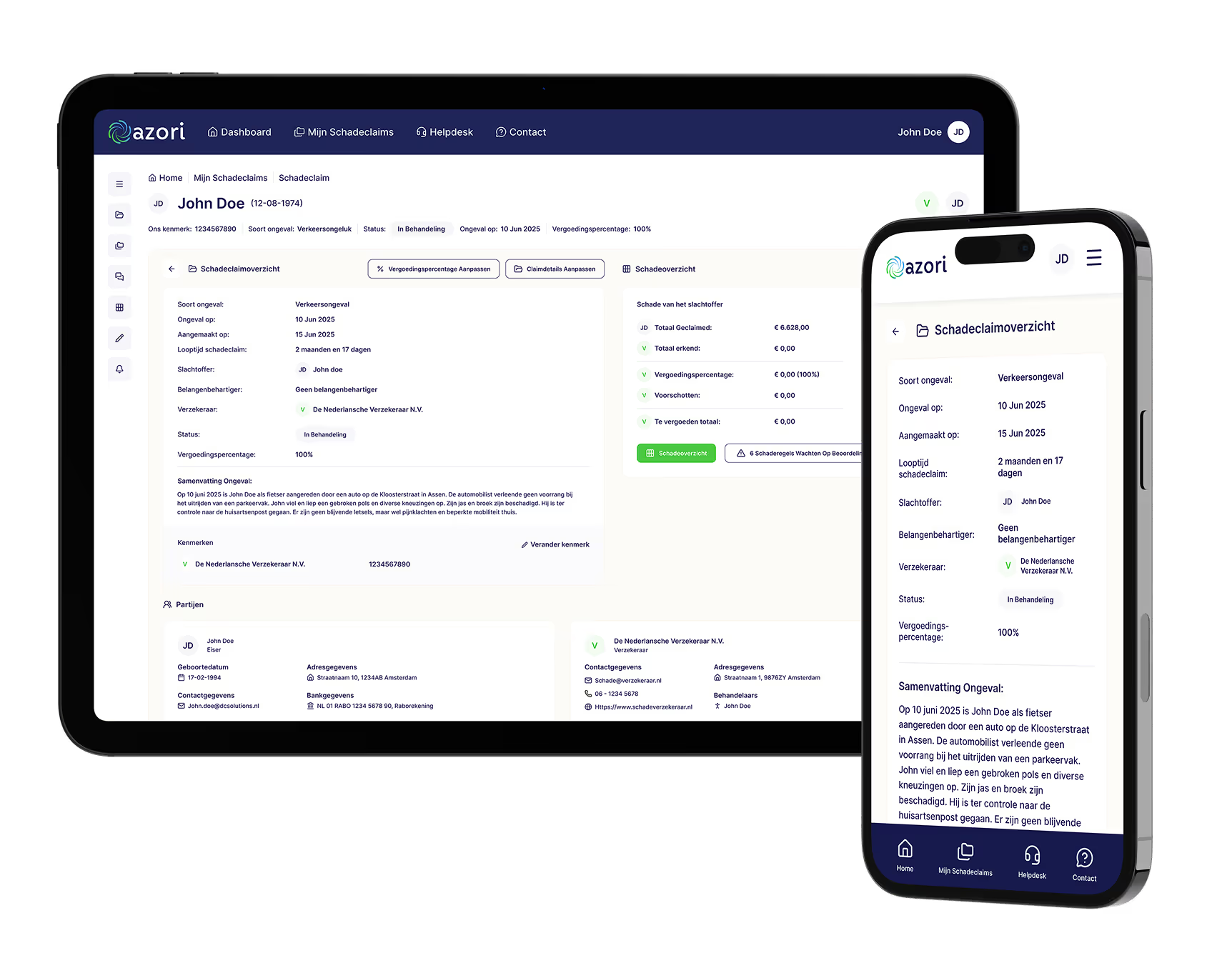
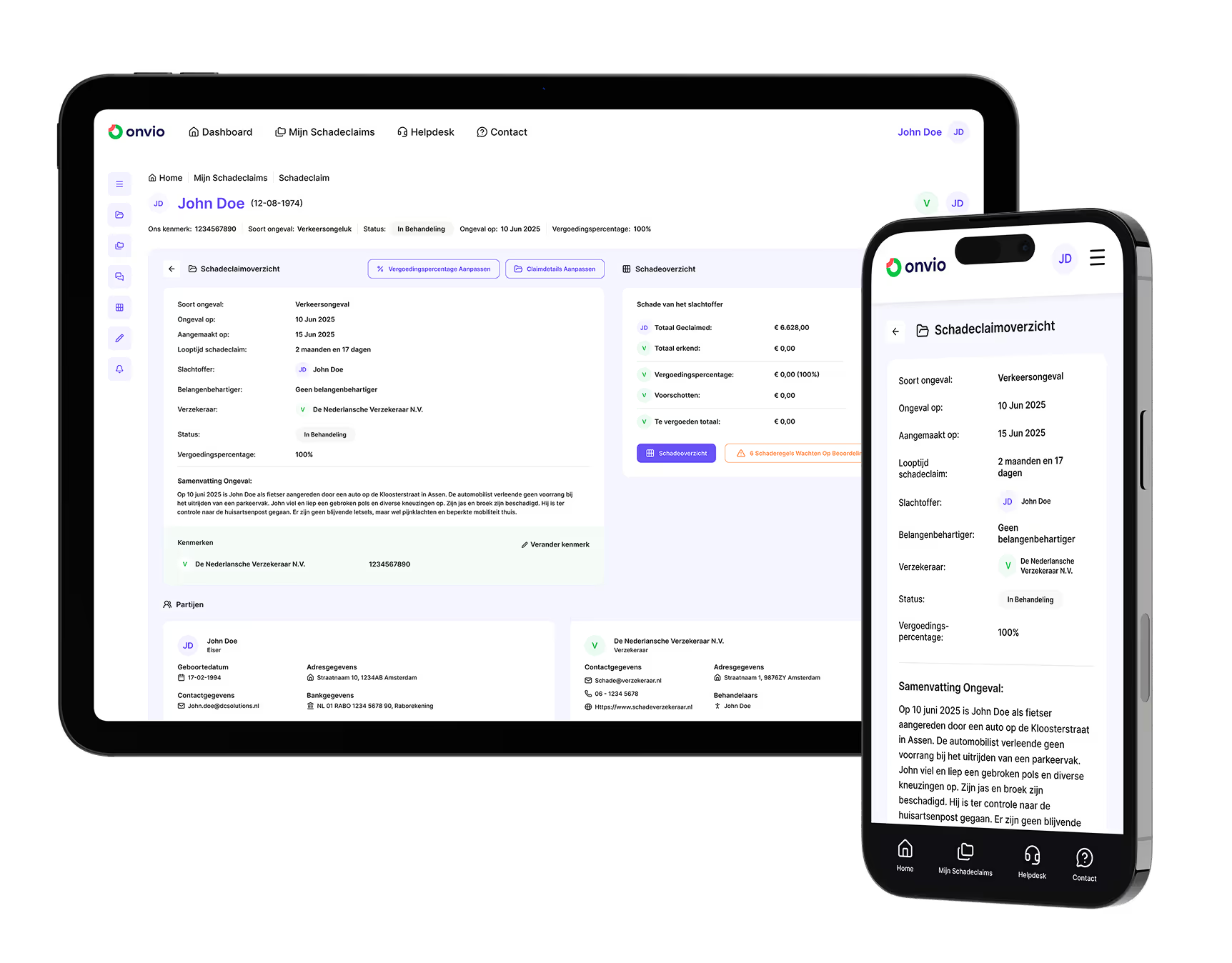
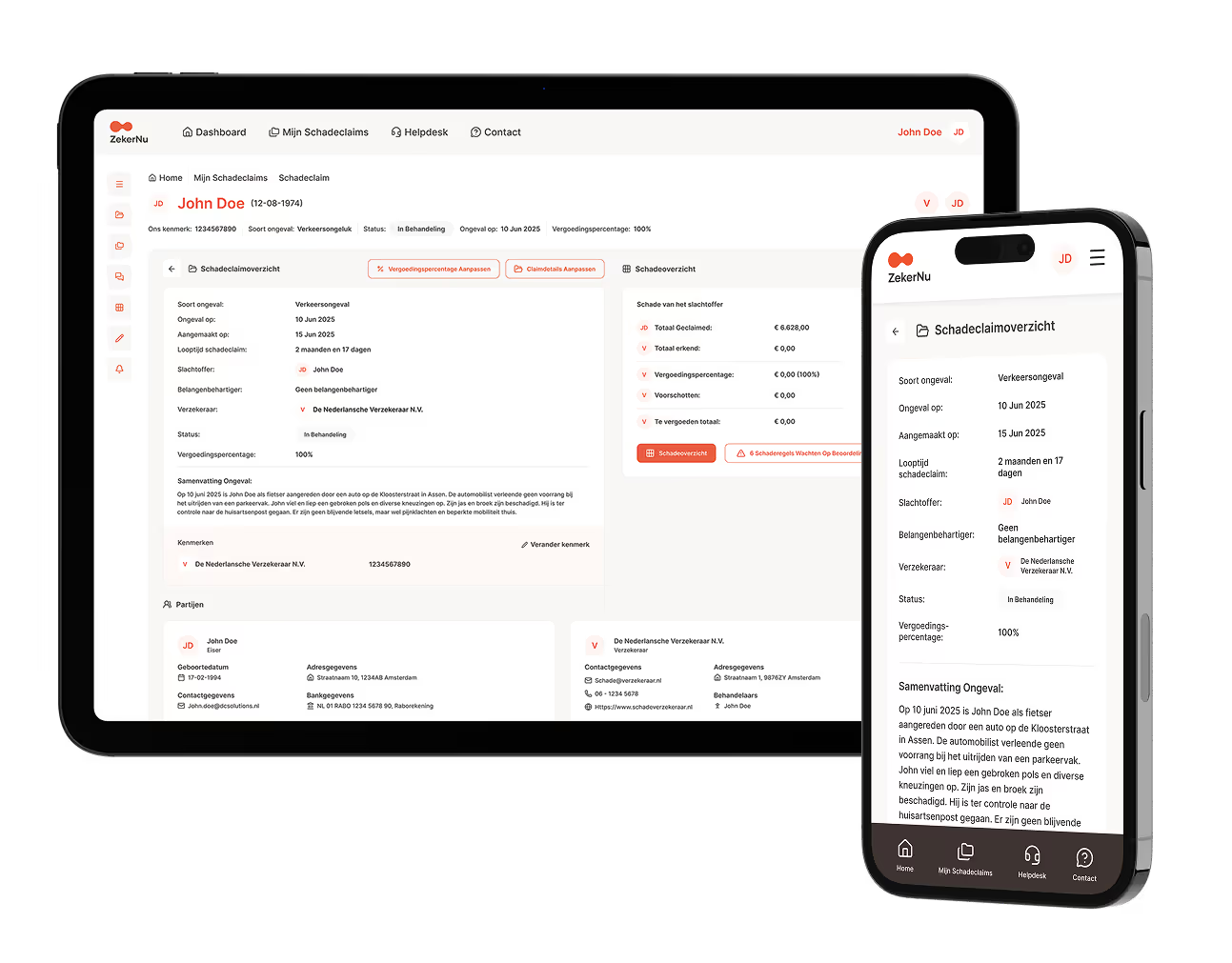

One file, two organisations, no reporting emails
The file sits in Claim360 and is the same truth for the insurer, your handlers, the chain partners and the claimant.
-
Handover without retyping
File, parties, documents, schedule of loss and deadlines come along at the moment of outsourcing. Your handler starts with a complete file, not with a bundle of attachments.
-
The insurer watches, without asking
Workload, status and next step are live in the file, also for the files that sit with you. No weekly report, no status email.
-
Deadlines keep running
Acknowledgement, liability decision, payment and contact are tasks with a date, an owner and a counter. Whatever is about to expire sits at the top, with you and with the insurer.
-
Payments and reserves back
Interim payments, balance and reserve per head of damage go back to the insurer's core system. Interim payment and settlement without retyping.
-
One way of working for all your principals
You connect once. Every insurer on Claim360 then works with you the same way, with the same permissions and the same audit trail.
-
Permissions per role, medical only for those who may
Your handlers see what their role needs. Medical documents only for those with the rights. Access is logged and revocable at once.
In the portal, or from your own core system
Both use the same file and the same permissions. You can switch at any time, and hybrid is possible too.
- Option 1
complete management environment
The portal as workplace
Workload per handler and per team, files and schedule of loss, messages, documents, tasks and deadlines, management information. Everything you need to handle on behalf of the insurer, except billing and time recording. That stays in your own system.
- Option 2
the file stays in sync
Your own core system integrated
Your core system connects through the API to Claim360 and stays your handlers' screen. File, documents, messages and deadlines run both ways; payments and reserves go back to the insurer's core system.
What your handlers get in the portal
-
Workload
Per handler and per team: what first, what waits, what escalates. With the reason and what is already prepared.
-
File and schedule of loss
Per head of damage claimed, agreed and paid, with the evidence attached. Reserve per item, as a proposal with reason and source.
-
Messages, documents and tasks
Messages per head of damage, documents with version history, tasks with a date and an owner. An expert's report lands straight on the right item.
-
Management information
Cycle time, chasers and complaints measurable per file, for you and for the insurer. Baseline first, so the conversation afterwards is about figures.
Frequently asked questions from outsourcing partners
Is your question not here?
Do we have to replace our core system?
No. You work in the portal, or you connect your own core system through the API to Claim360. The core system stays.
Who owns the file?
The insurer. The file sits in Claim360 and the insurer sees it at any moment; its core system remains the system of record. You handle in it on behalf of the insurer, with the permissions that belong to your role.
What does the insurer see of our work?
The same file as you: status, next step, tasks, deadlines and the schedule of loss. No report next to it; what is in the file is the report.
Can we work this way for several principals?
Yes. One connection to Claim360 applies to every insurer that works on it. Per principal the permissions that insurer grants apply.
In the same file on behalf of the insurer?
Tell us which insurers you work for and how your handlers work today. A walkthrough in a production environment takes an hour.